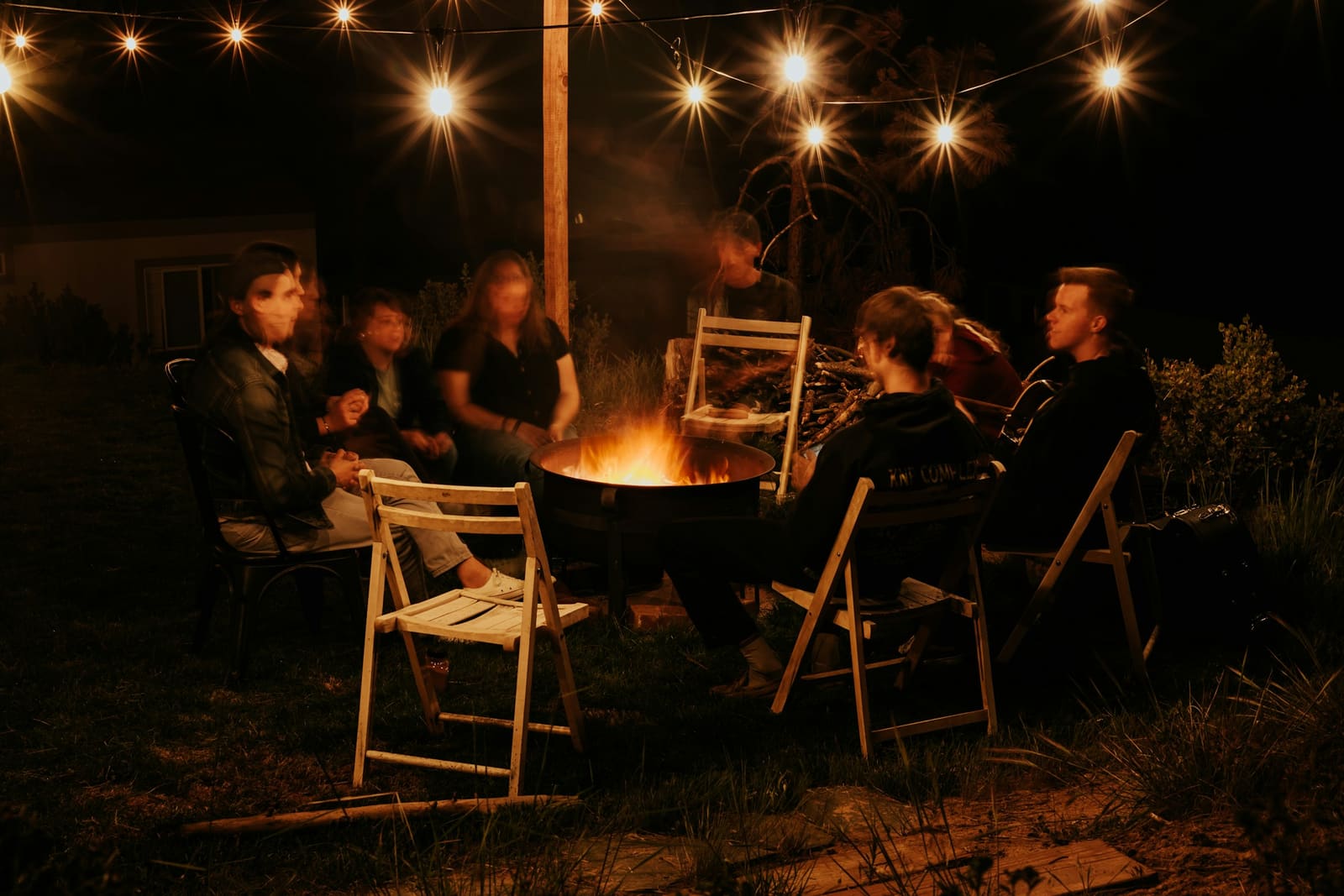
For family reunions
Coordinate family reunions without losing your mind.
When three households need to align on a week together, a Google Doc isn't enough. WonderKit keeps dates, activities, costs, and decisions in one shared place.
✦ One subscription covers your whole group — no per-person fees.
You know this trip
Why family reunions fall apart in planning
01Three calendars
Aligning dates across three households, two school systems, and everyone's work.
02Nobody wants to be the killjoy
One household wants a resort, another wants a lake house, and the thread just goes quiet.
03Who paid for the boat
One family bought the groceries, another paid for the house, and the maths gets ugly fast.
04Ages 4 to 78
Teenagers want nothing a toddler wants, and nobody has planned for either of them.
How WonderKit handles it
What WonderKit does for family reunions
- 01
The problem · Three calendars
Date-voting across households
Propose candidate date ranges, everyone votes availability. Lock in the dates that work for the most families.
- 02
The problem · Nobody wants to be the killjoy
Group votes that actually close
Activities, restaurants, "lake day or beach day" — propose, vote, decide. No more 4 cousins all "happy with whatever."
- 03
The problem · Who paid for the boat
Flexible expense splits
Split by household, by person, or by sub-group. Grandma paid for the rental, one family bought groceries — settle up cleanly.
- 04
The problem · Ages 4 to 78
Multi-generation aware
The AI plans around nap windows for toddlers, pace for grandparents, and keeps teens engaged. Everyone gets considered.
Saturday night
an open vote- Rooftop dinner, then the honky-tonk6
- Private room at the wine bar3
- Stay in, cook, play cards1
10 of 10 voted · closes tonight
Also included, without asking
- Household-level collaboration
- Shared photos + journal
Real plans, already published
Start from one of these
Free to read, no login. 20 published plans fit this kind of trip.
These are written for families — the closest fit we have published today. Nothing here was written just for this page.

Denver, CO
Gennady Zakharin / UnsplashA fall weekend in Denver with kids
Aspens peak late Sep – early Oct

New York, NY
Look Again Digital / UnsplashA fall weekend in New York with kids
Peak color late Oct – early Nov

Toronto, Canada
Venrick Azcueta / UnsplashA fall weekend in Toronto with kids
Peak colour mid-October

Washington, DC
Tim Woody / UnsplashA fall weekend in Washington, DC with kids
Peak color late Oct – early Nov
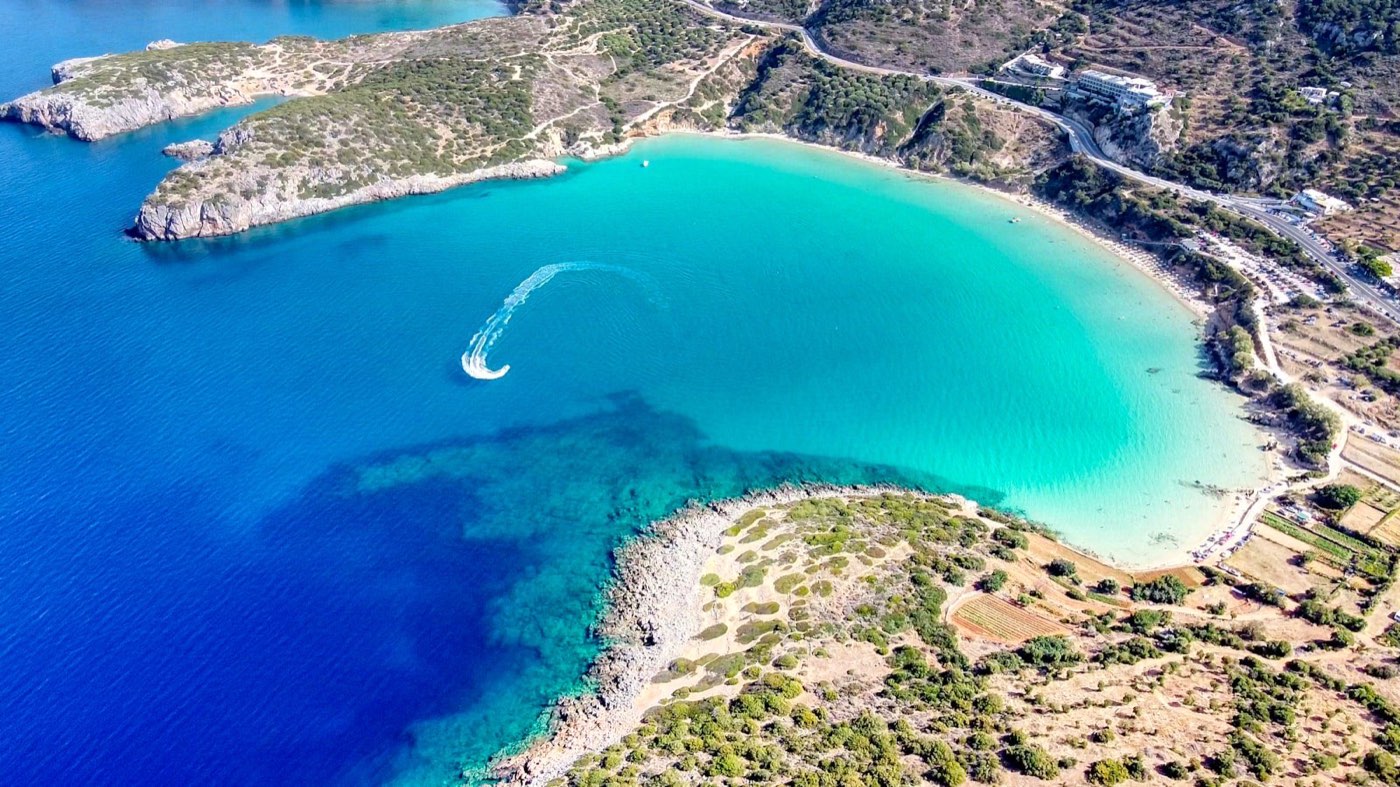
Crete, Greece
Evangelos Mpikakis / UnsplashA 5-day Crete plan for families (kids ~6 & 9)

Asheville, NC
Alex Diaz / UnsplashFamily reunion ideas in Asheville
What a plan looks like
Labor Day weekend at a lake house — 3 households, 11 people
Generated from: "Lake house, 3 days, 3 families, ages 4 to 78, big meals together, kids activities, quiet time for grandparents."
Day 1
Arrival + welcome dinner
- Households arrive staggered between 3 and 6pm.
- Welcome dinner: potluck assignments done in-app. Grandma's bringing the dessert.
- Early bonfire for the kids, quiet porch for grandparents.
Day 2
Lake day + big family dinner
- Swimming, kayaking, dock-jumping for teens and kids.
- Nap windows for the toddlers and grandparents, baked in.
- Big family dinner — one household cooks, another cleans, third handles drinks.
Day 3
Slow morning + goodbyes
- Breakfast together. Group photo on the dock.
- Settle up in the app before departures — every household paid for something.
What you get, in real numbers
See it before you take our word for it
79 cities
with a daily-refreshed local Discover feed
71 itineraries
ready-made and free to browse, no login
1 subscription
covers your whole group — not per seat
0 signups
needed to see your first trip take shape
Before you ask
Family-reunion FAQ
How do we include grandparents who don't use apps?
Can we split costs by household, not per person?
How many people / households can join a trip?
Can we plan around school schedules?
Popular destinations
Tap a city to see what's on this week.
Also planning for…

Try it. It's free.
No credit card to start. Plan your first trip in under 5 minutes.